
Shopping Guide: How to Buy on ShopC
Find products from local shops, pay safely, track your parcel and earn ShopC Coins – step by step.
1Find what you need
There are four easy ways to find products from local shops.
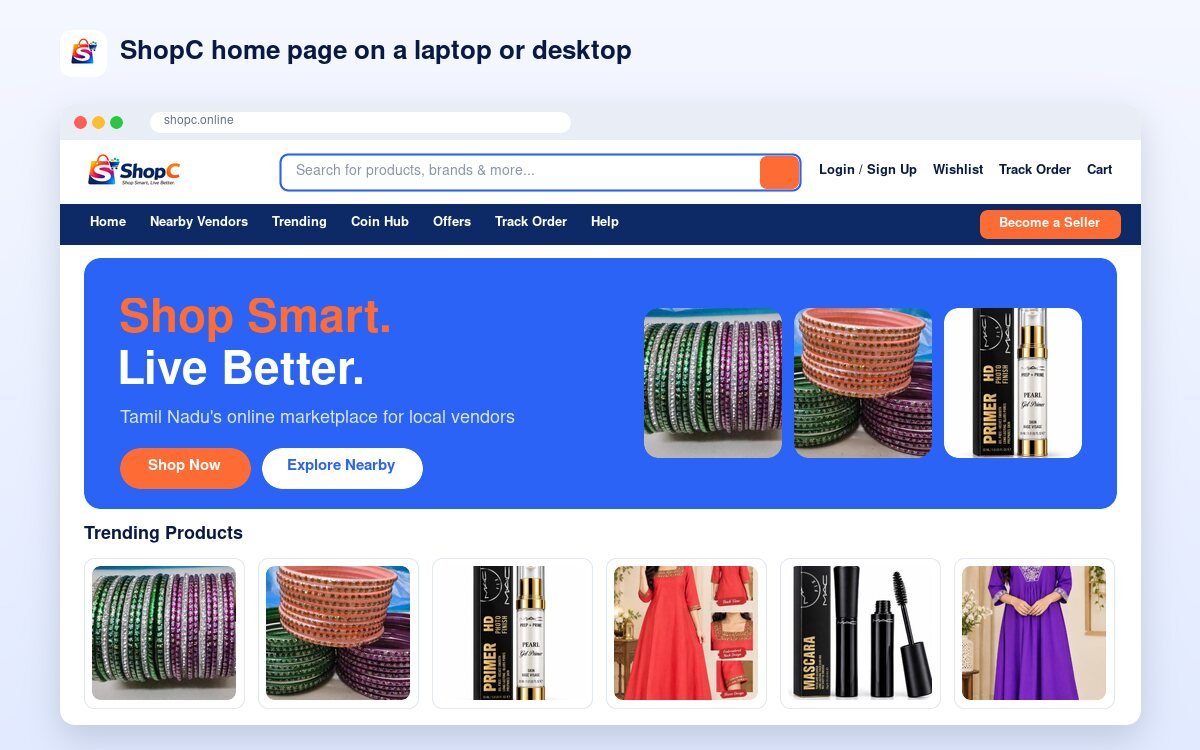
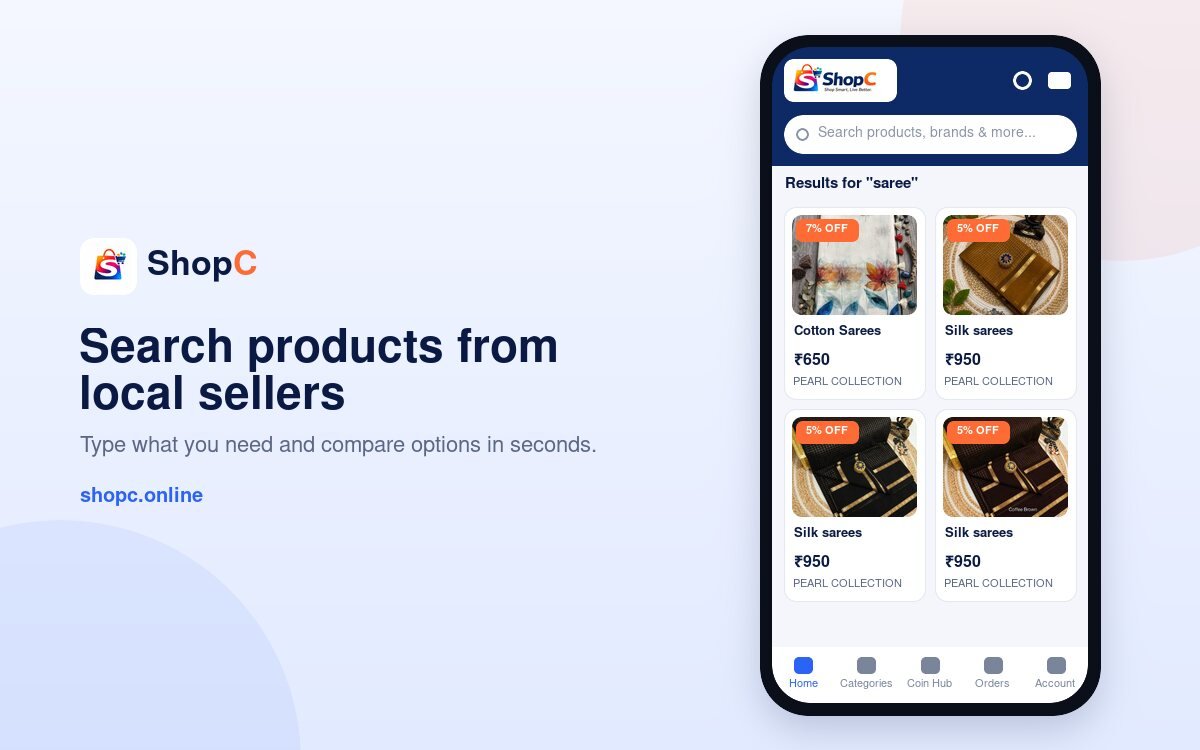
- Search: type what you want in the search bar at the top (for example “silk saree” or “health mix”).
- Categories: click ☰ Categories to browse fashion, jewellery, grocery & foods, home & kitchen, beauty and more.
- Nearby Vendors: find shops by city and distance.
- Trending & Offers: see popular products and current deals.
2Check the product page
Read the details before you buy.

- Look at all the photos. Tap a small photo to see it bigger.
- Check the price, discount and stock.
- If the product has options, tap a size or colour button. The photo and price change.
- Choose the quantity.
- Click Add to cart to keep shopping, or Buy Now to go straight to checkout.
- Tap Share to send the product on WhatsApp, Facebook, Instagram and more.
- Read the Description, Specifications and Reviews tabs.
3Create your free account
You can check out as a guest, but an account makes life easier.
- Click Account (or Login / Sign Up) at the top.
- Register with your name, email and password.
- With an account you can see all your orders, earn and use ShopC Coins, save addresses and keep a wishlist.
4Cart and secure checkout
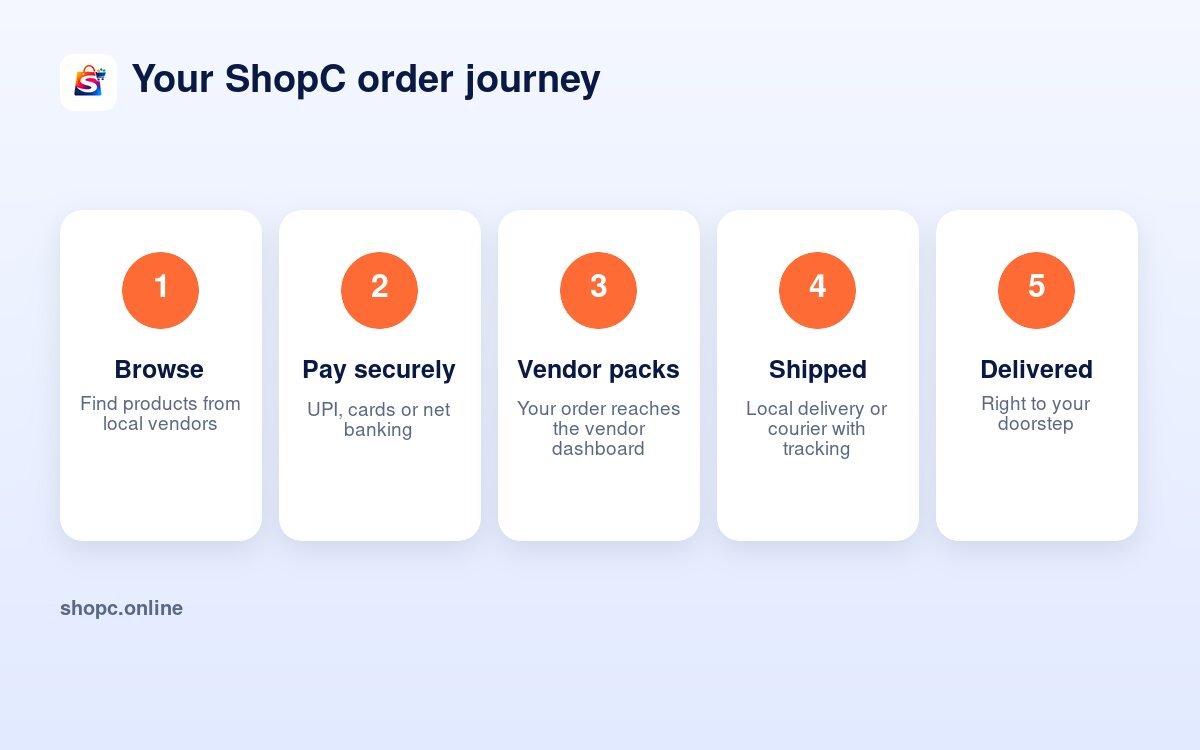
Pay safely online in a few steps.
- Click Cart at the top right. Change quantities or remove items.
- Click Checkout.
- Enter or confirm your delivery address and phone number.
- Tick Use ShopC Coins if you have coins and want a discount.
- Check the order summary and delivery charges.
- Pay by UPI, debit/credit card or net banking through our secure payment partner.
- You see an order confirmation with your order number.
ShopC does not store your card details.
5Track your order
Know where your parcel is at any time.
- Logged in? Open My ShopC → My Orders.
- Guest? Open Track Order and enter your order ID and billing email.
- Delivery usually takes 1 to 5 days, depending on your location and the seller.
6Cancel or return
Plans change. Here is what to do.
- Cancel: you can cancel from your account before the order is dispatched.
- Return or refund: open My Orders, choose the order and click Request a Return / Refund.
- Choose the reason, add details and pick how you want your money back (original payment method, UPI or bank transfer).
- The ShopC team reviews every request and updates you.
Return windows depend on the product. Please read the Returns & Refunds policy before you buy.
7Earn and use ShopC Coins
Get rewards every time you shop logged in.
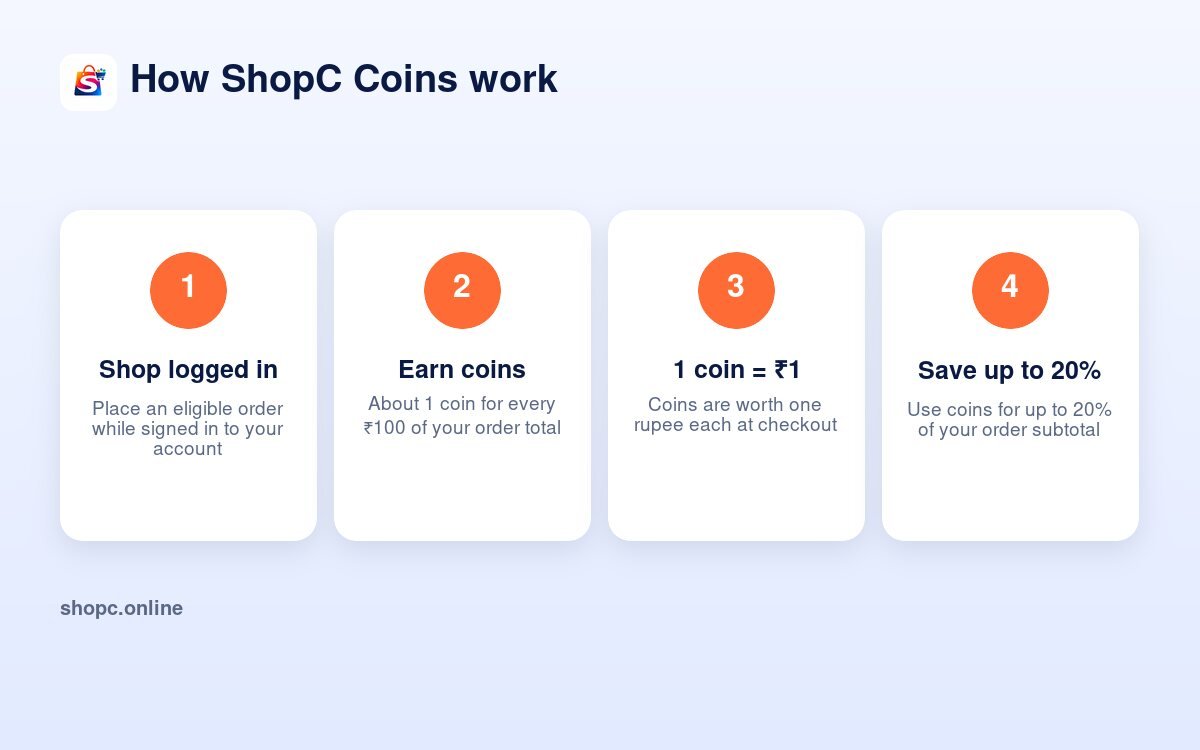
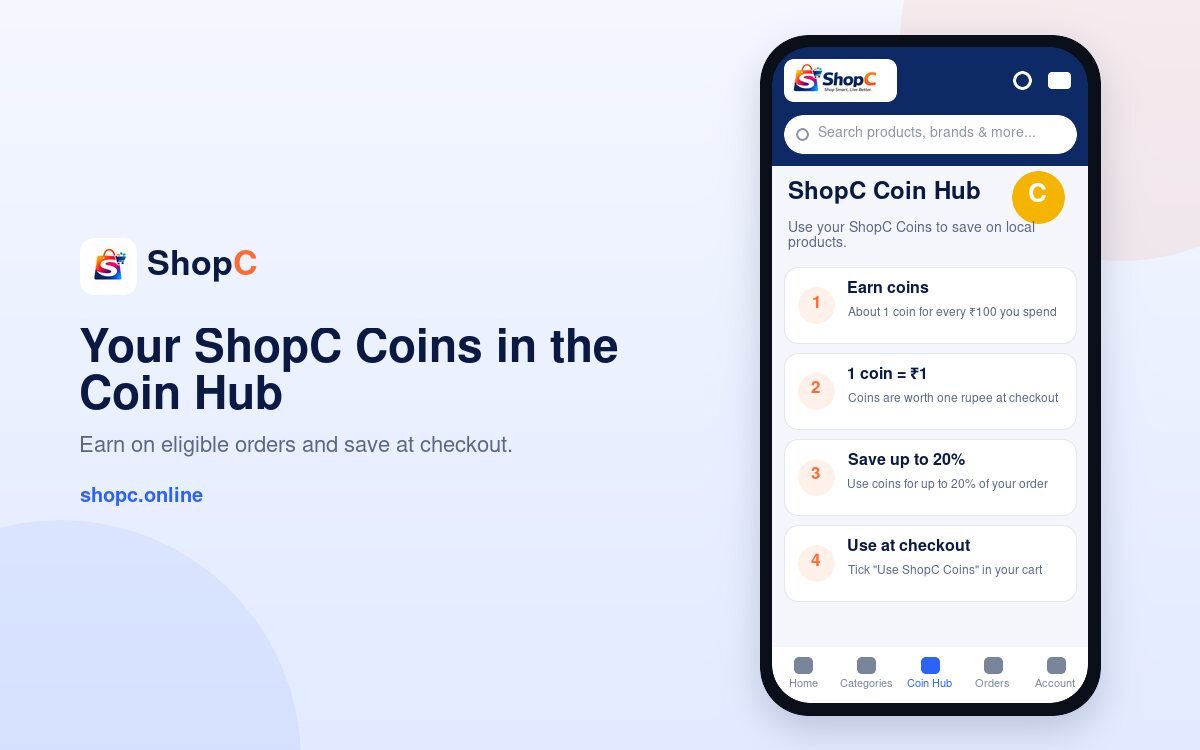
- Earn about 1 coin for every ₹100 on eligible orders.
- 1 coin = ₹1 at checkout.
- Use coins for up to 20% of your order subtotal.
- See your balance in the Coin Hub.
8Shop from sellers near you
Support local businesses in your own town.
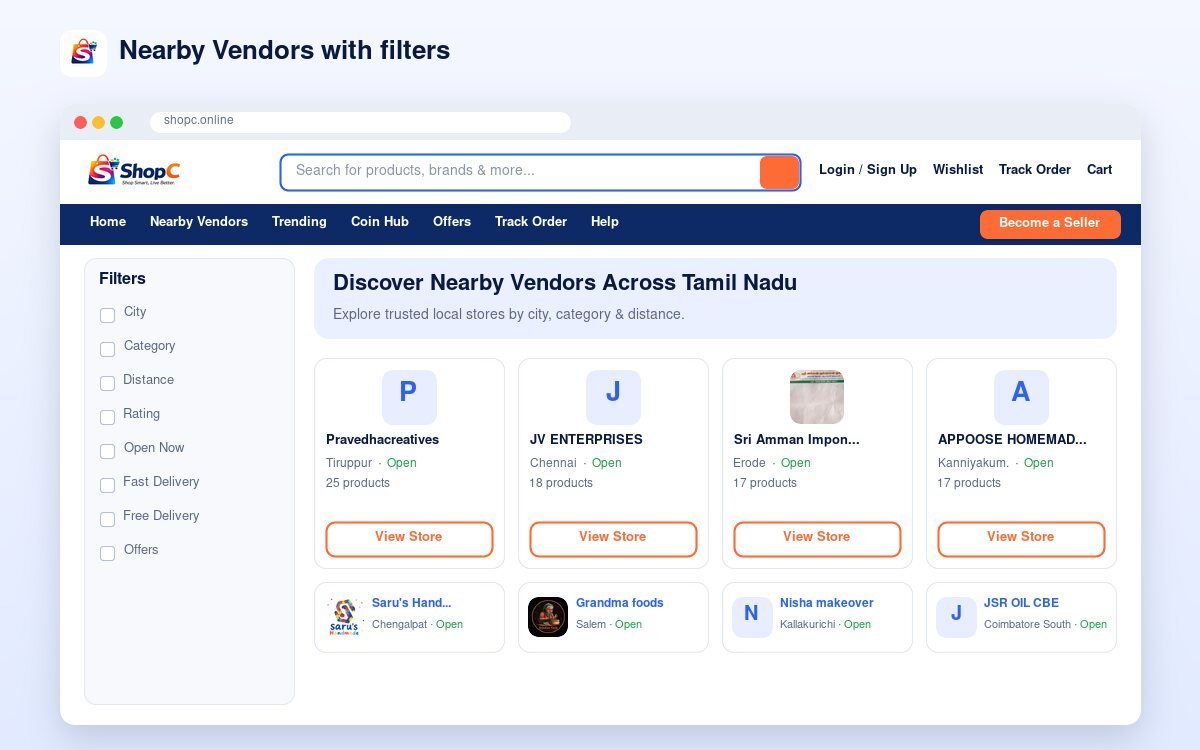
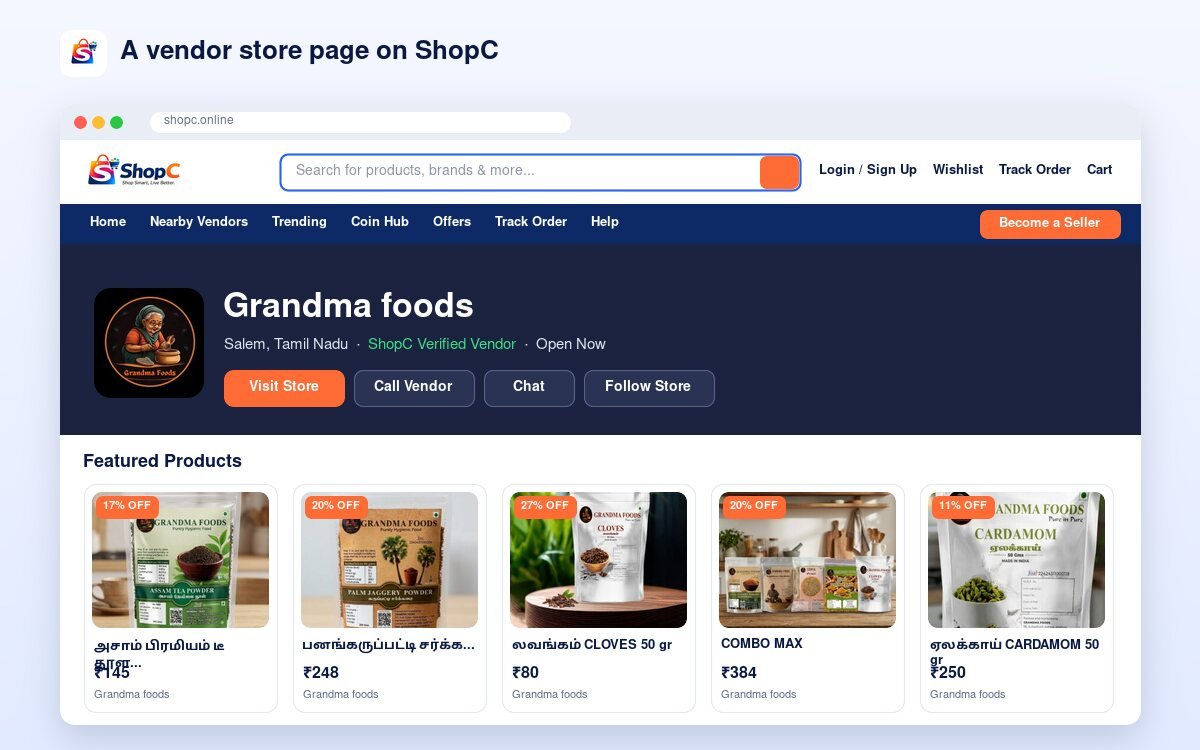
- Open Nearby Vendors.
- Filter by city, category, distance or rating.
- Open a store to see its products, story, reviews and contact options.
9Need help?
We are happy to help.
- Visit the Help Center for quick answers.
- Email support@shopc.online with your order ID.
- Support hours: 9 AM – 9 PM IST.
Start shopping local
Thousands of products from trusted local sellers across Tamil Nadu.
Shop NowNearby Vendors